About My Ledger App
My Ledger App is a simple yet powerful Windows-only desktop application that helps you record and manage all kinds of financial data.
Multiple Ledgers
Add and track multiple ledgers or parties effortlessly
Export Data
Export any party's ledger for specific date ranges
Payment Tracking
Record all types of payments with ease
Budget Management
Manage personal budgets and employee salaries
App Screenshots
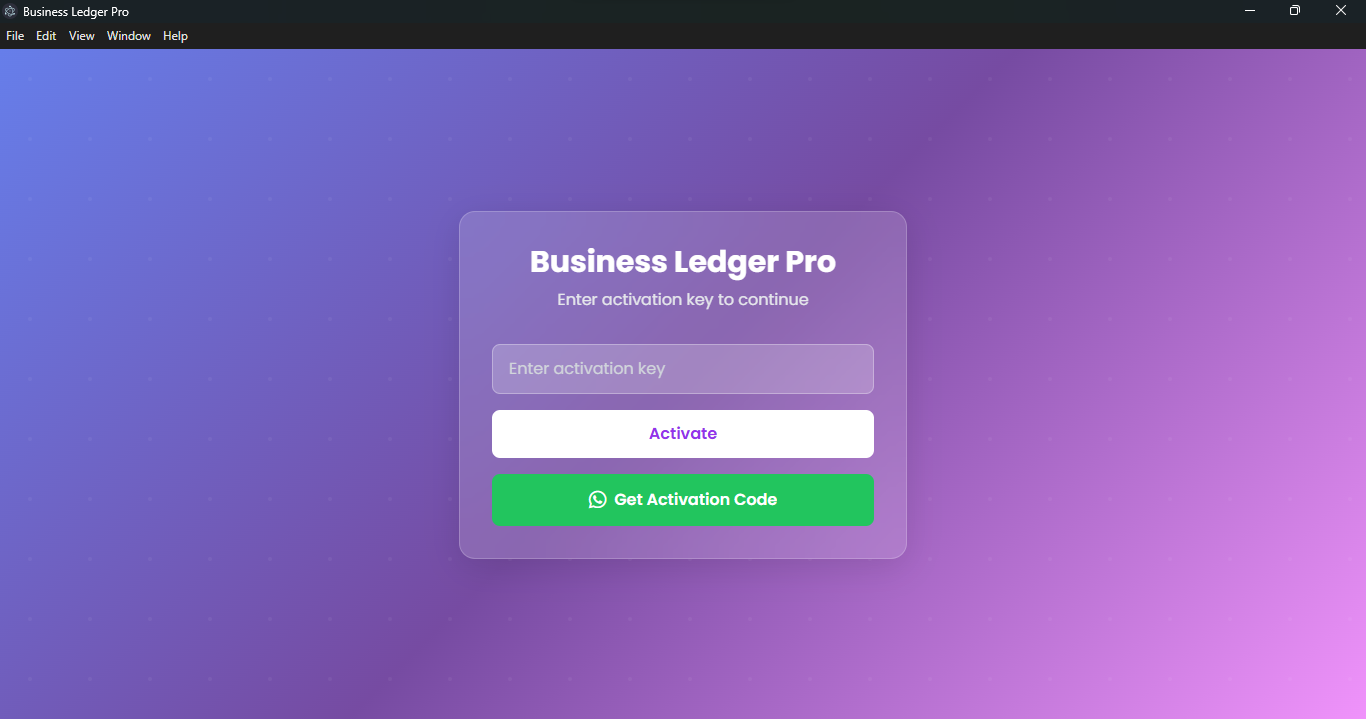
activation View
Main interface overview
activation View
Clean and intuitive main dashboard for quick access to all features
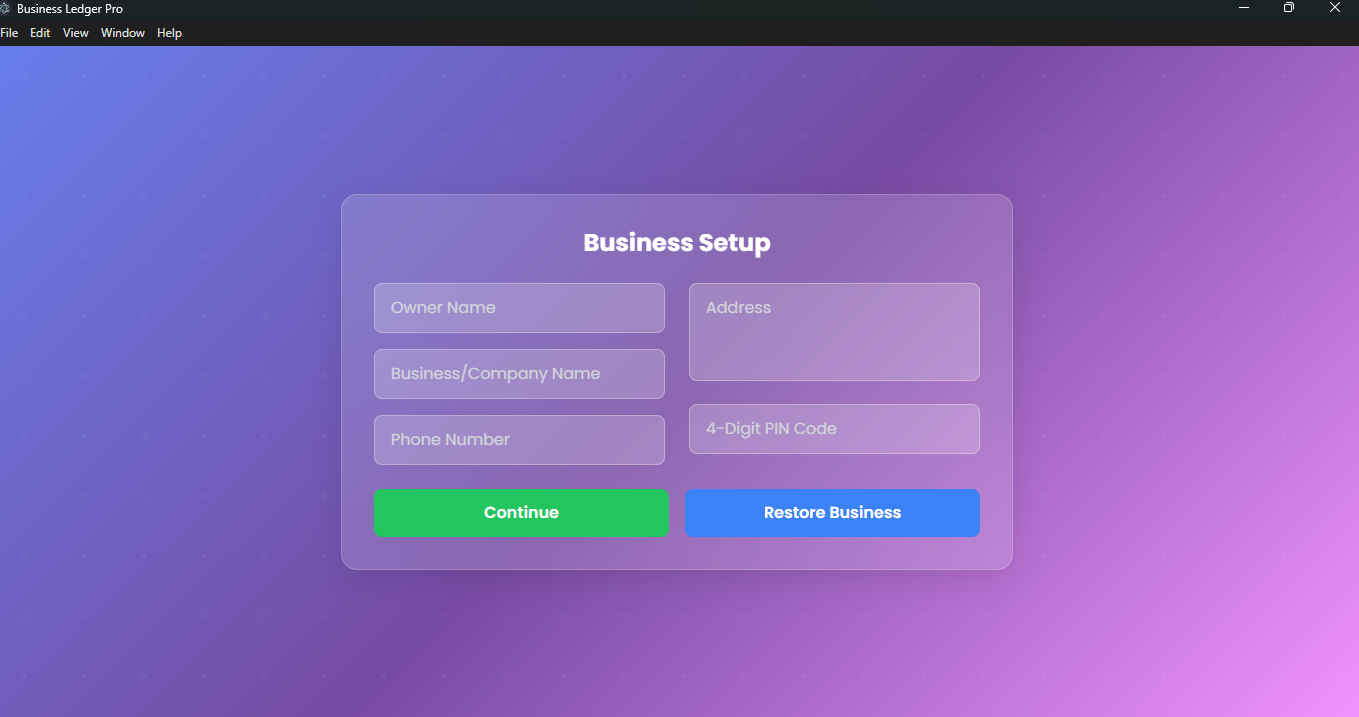
business setup
business setup
business setup
Easily manage multiple parties and their financial records
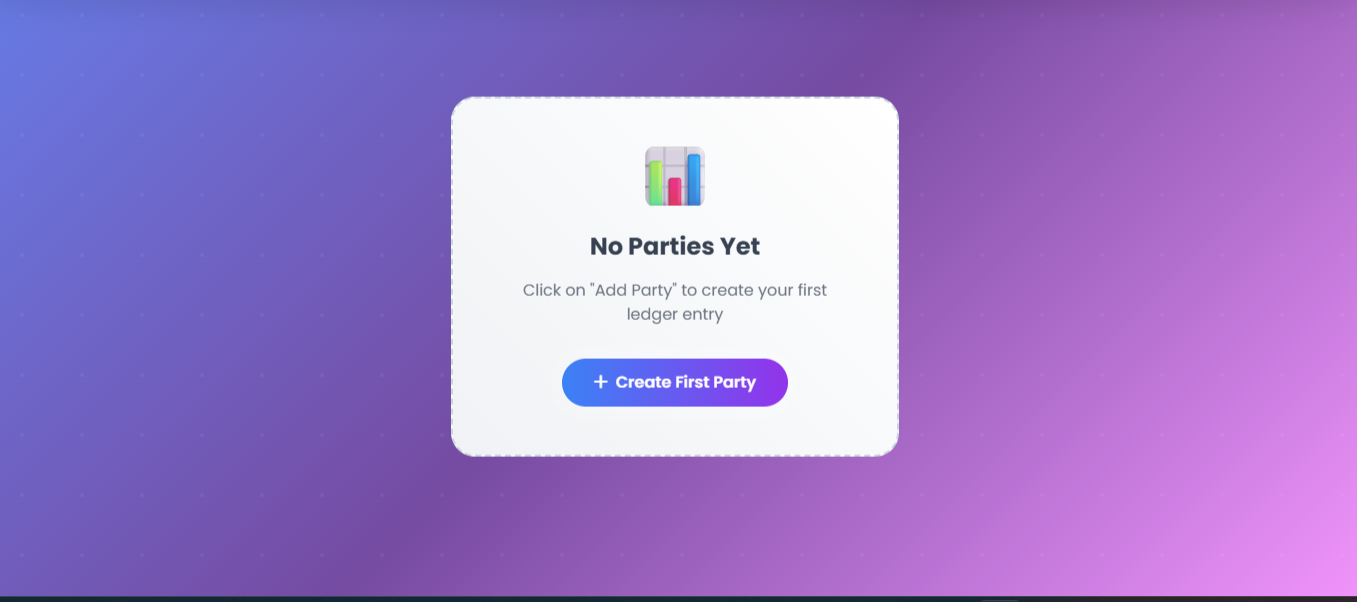
manage parties
manage parties
manage parties
Simple form to record all types of payments and transactions
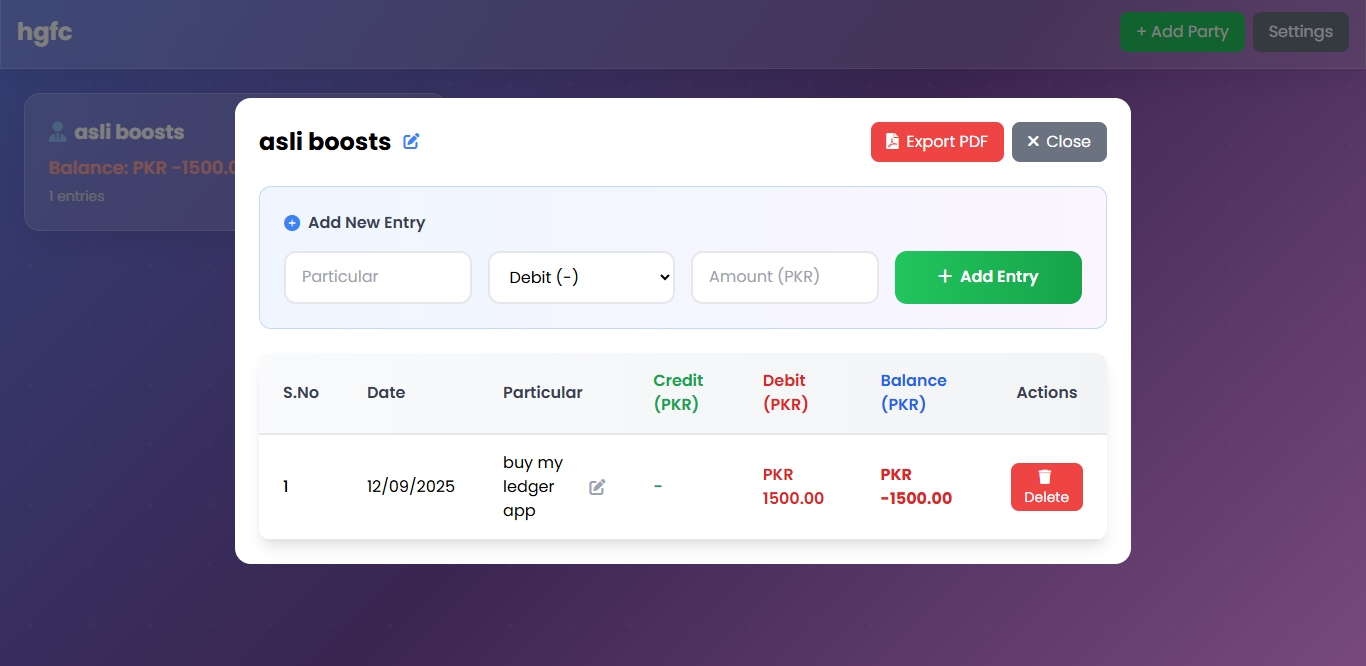
entries
entries
entries
Generate detailed reports and export data for any date range
Settings & Setup
Customize your app
Configuration Panel
Easy setup and customization options for your business needs
🚀 My First Fully Working Project
Built with modern web technologies and packaged as a desktop application